Manual reporting
Replace repeated report assembly
Map the inputs, automate the repeated processing and retain visible exceptions so reporting becomes faster without becoming opaque.
Solutions & use cases
These are common operating problems—not rigid packages. MWEC defines the right response around your data, constraints and desired outcome.
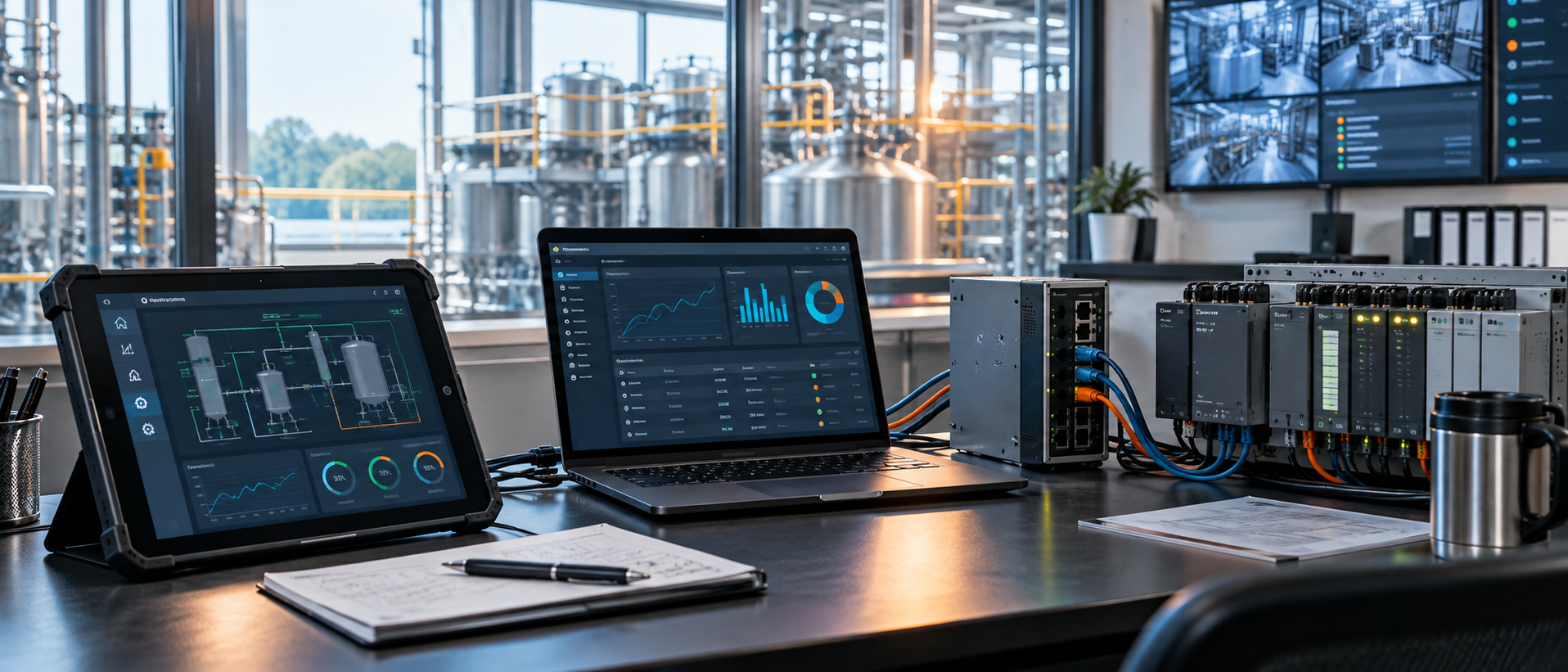
Connected operational solutions
Manual reporting
Map the inputs, automate the repeated processing and retain visible exceptions so reporting becomes faster without becoming opaque.
Disconnected data
Reconcile overlapping records, define the authoritative fields and create a controlled dataset that users can search and trust.
Operational visibility
Define the KPIs and validation route before producing management and operational views that agree with one another.
User experience
Give users a task-focused interface around authorised data and processes while the underlying enterprise platform remains in place.
Data quality
Apply repeatable checks, identify incomplete or conflicting records and produce a clear action list with traceable change history.
Workflow interface
Connect records, review status, actions and reporting in an interface with defined responsibility and visible progress.
Legacy risk
Preserve current outputs, document the logic and move safely towards a maintainable tool without disrupting operations.
Tracking interface
Build or modernise the interface around client-owned inspection records, then automate approved SharePoint or OneDrive tracking for status, evidence, actions and reporting.
Linux infrastructure
Investigate capacity and service issues, apply controlled updates, verify backups, maintain Nginx, DNS and HTTPS, and move workloads to a healthier server when required.
Secure deployment
Configure the hosting route, Nginx, domain records, certificates, monitoring and documented recovery so the finished tool has a controlled operational home.
Windows desktop software
Turn a calculation, file-processing task, local dashboard or API workflow into a guided Python or .NET desktop application with configuration, logs, clear errors and an installer.
Android application
Build a phone or tablet interface for forms, evidence, calculations, dashboards or task updates, with offline operation and controlled synchronisation where needed.
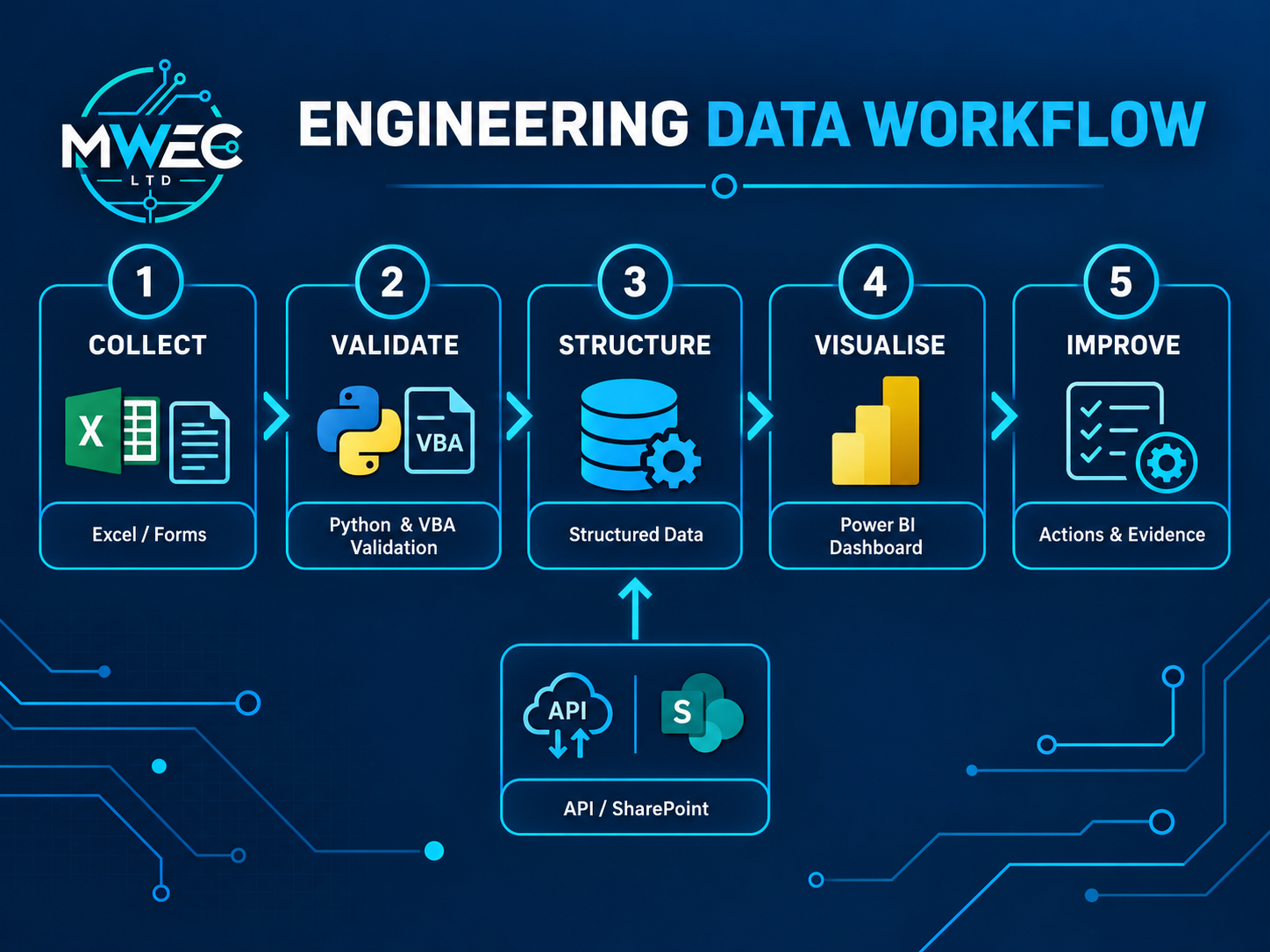
A connected result
The valuable part is the chain, not a single application. Each stage has an owner, a rule and a clear output.
What the result can look like
Representative examples of data consolidation, controlled reporting and custom operational interfaces—not fixed packages or generic templates.
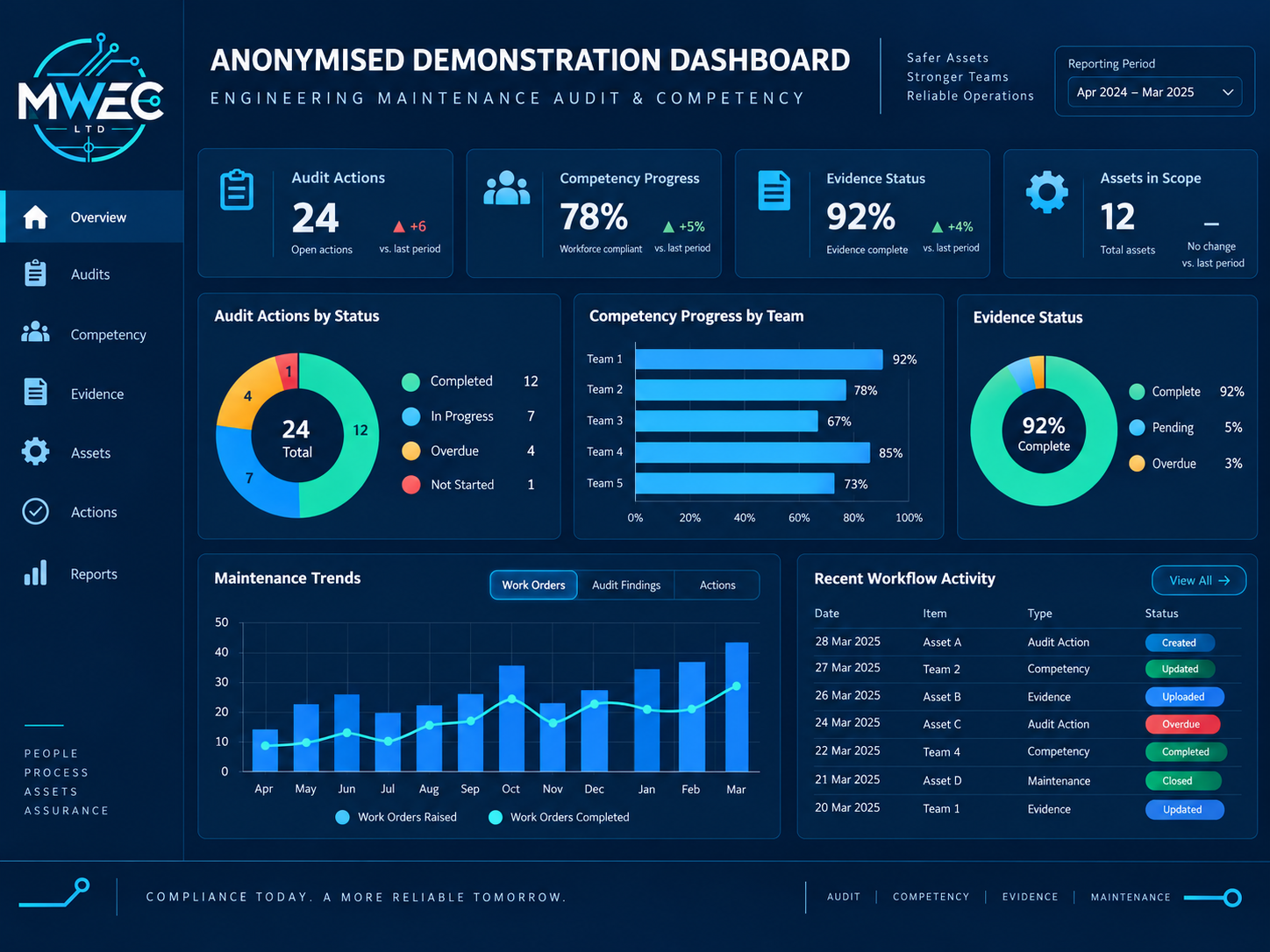
Operational reporting
Leadership and operational users receive views suited to their decisions while KPI definitions and reconciliation remain visible.

Operational GUI
Use engineering context to shape a clear interface while the client retains ownership of technical criteria and operational decisions.
Your operating context
Describe what happens today, what goes wrong and what a better outcome would make possible.